Why OfficeIMO.PowerPoint?
OfficeIMO.PowerPoint creates and edits .pptx presentations and supports documented subsets of legacy .ppt, .pot, and .pps workflows. Automate slide decks for reporting pipelines, inspect or modernize supported legacy content, or build dynamic dashboards without PowerPoint installed on your machine.
Features
- Slide creation & management — add, remove, reorder, and duplicate slides programmatically
- Text boxes & bullets — rich text with fonts, colors, sizes, and multi-level bullet lists
- Tables with merged cells — rows, columns, horizontal and vertical merges, and per-cell styling
- Images — insert from file path or stream in PNG, JPEG, GIF, BMP, TIFF, EMF, and WMF formats
- Shapes with fill, stroke & effects — rectangles, circles, arrows, and callouts with fill, line, shadow, glow, and reflection settings
- SmartArt and custom geometry — editable process, hierarchy, cycle, list, matrix, pyramid, relationship, path, and polygon content
- Editable shared charts with formatting — all 17
OfficeChartKindfamilies, including bubble charts, plus combo/secondary axes, data labels, legends, axis configuration, and accessibility summaries - Review and presentation workflows — classic comments, modern threaded comments and replies, custom shows, and supported shape/text/chart animations
- OLE and macro package workflows — add or replace embedded OLE storage and bounded opaque VBA projects while keeping macro-enabled formats explicit
- Slide sections & transitions — organize slides into sections and apply transition animations
- Themes & layouts — apply built-in or custom themes and choose from standard slide layouts
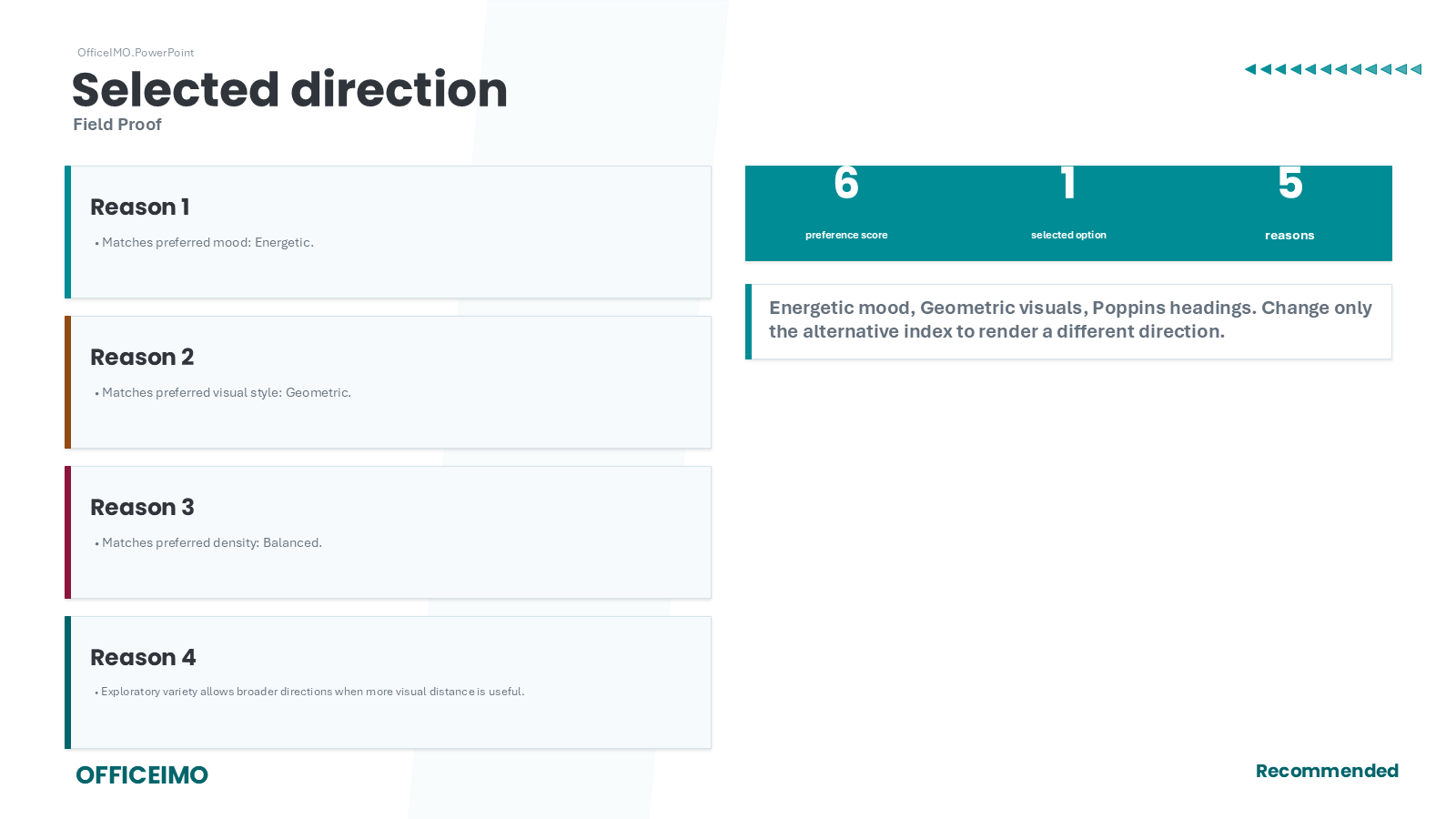
- Designer decks — generate distinct visual directions from a brand brief, score semantic deck plans, and keep output editable
- Semantic story families — compose executive summaries, chart narratives, comparisons, annotated screenshots, appendix tables, architecture views, and closings
- Deck rhythm checks — flag repetitive layouts, dense streaks, long sections, and missing closing actions before rendering
- Speaker notes — attach presenter notes to any slide
- Slide copying & importing — copy slides within a presentation or import from another
.pptxfile - PowerPoint 97-2003 compatibility — import supported content into the editable model, author the documented native binary subset, preserve unrelated records during supported edits, and preflight PPTX-to-binary conversion loss
- Password and signature policy — open and save protected binary presentations, inspect legacy signatures, and block signature-invalidating saves by default
Common deck patterns
| Deck type | Typical content | Why OfficeIMO.PowerPoint helps |
|---|---|---|
| Weekly status and KPI decks | Title slides, bullet summaries, charts, and callouts | Generated slides keep recurring reports consistent across every run |
| Customer QBR and account reviews | Repeated sections, data-driven visuals, and speaker notes | You can build once and swap in customer-specific data at runtime |
| Training and onboarding packs | Reusable layouts, screenshots, and step-by-step slides | Code-first generation makes it easier to version and refresh content |
| Release demos and roadmap decks | Imported slides, product screenshots, and comparison tables | Copying and composing slides keeps larger decks maintainable |
Quick start
using OfficeIMO.Drawing;
using OfficeIMO.PowerPoint;
using DocumentFormat.OpenXml.Drawing.Charts;

using var presentation = PowerPointPresentation.Create("Overview.pptx");
presentation.SlideSize.SetPreset(PowerPointSlideSizePreset.Screen16x9);

var intro = presentation.AddSlide();
intro.AddTitleCm("Product overview", 1.5, 1.2, 22, 1.4);
var highlights = intro.AddTextBoxCm(string.Empty, 1.5, 3.0, 12, 5.5);
highlights.AddBullets(new[] {
    "Revenue grew 18% year over year",
    "Customer satisfaction reached 94%",
    "Delivery expanded to 12 markets"
});

var data = new OfficeChartData(
    new[] { "Q1", "Q2", "Q3", "Q4" },
    new[] { new OfficeChartSeries("Revenue", new[] { 3.2, 3.8, 4.1, 4.9 }) });

var chartSlide = presentation.AddSlide();
chartSlide.AddTitleCm("Revenue by quarter", 1.5, 1.2, 22, 1.4);
chartSlide.AddChartCm(OfficeChartKind.ColumnClustered, data, 1.5, 3.0, 22, 9,
        new PowerPointChartAccessibilityOptions {
            AlternativeText = "Quarterly revenue increased from 3.2 to 4.9"
        })
    .SetTitle("2025 revenue")
    .SetLegend(OfficeChartLegendPosition.Bottom);

presentation.Save();
Convert PPT and PPTX
using OfficeIMO.PowerPoint;

var analysis = PowerPointPresentation.AnalyzeConversion(
    "archive-deck.ppt",
    "archive-deck.pptx");

if (!analysis.Compatibility.HasBlockedFeatures)
{
    PowerPointPresentation.Convert(
        "archive-deck.ppt",
        "archive-deck.pptx");
}
The analysis reports whether slide content remains native, needs an editable approximation or visual fallback, is preserved for recovery, or must be blocked. The same conversion entry point handles PPTX-to-PPT when a customer or system still requires a binary presentation.
Repeatable slide workflow
- Start with a small set of deck templates or layout conventions so generated presentations feel intentional, not improvised.
- Build slides from domain data, not from presentation-specific strings scattered throughout your code.
- Reserve charts, tables, and notes for the slides that benefit from structured output rather than manual formatting.
- Export decks as pipeline artifacts for email, GitHub Actions, scheduled reports, or customer handoff packages.
- Reuse the same source data across Word, Excel, Reader, and PowerPoint outputs when your workflow needs multiple deliverables.
Before publishing a generated deck, call Preflight() to measure text fit, check shape bounds and image relationships, and write a JSON report. Use AddTableSlides(...) or PowerPointDeckPlan.WithContinuations() when source content can exceed one slide.
Compatibility
| Target Framework | Supported |
|---|---|
| .NET 10.0 | Yes |
| .NET 8.0 | Yes |
| .NET Standard 2.0 | Yes |
| .NET Framework 4.7.2 | Yes |
OfficeIMO.PowerPoint runs on Windows, Linux, and macOS. It generates standard .pptx files and PowerPoint 97-2003 .ppt, .pot, and .pps compound files. Binary password protection uses legacy RC4 CryptoAPI for interoperability and should not be treated as modern cryptography.
Related guides
| Guide | Description |
|---|---|
| PowerPoint documentation | Start with the package overview and supported presentation workflow. |
| Slides guide | Build title slides, content slides, charts, and slide layouts. |
| Designer Decks | Create visually structured, editable decks from briefs, recommendations, and semantic plans. |
| Capability matrix | See what is authored, edited, preserved, rendered, or intentionally reported. |
| PPT and PPTX compatibility | Check formats, conversion directions, tracked behaviors, and fidelity states. |
| Getting Started | Set up the package family and choose the right companion libraries for reporting pipelines. |
| PSWriteOffice | Use PowerShell to automate the same presentation scenarios from scripts. |