C# · excerpt cut from the example source; the full file is linked aboveRtfDocument document = RtfDocument.Create();
document.Properties.Title = "Change approval memo";
document.Properties.Author = "Platform operations";
int accent = document.AddColor(35, 95, 180);
int headerFill = document.AddColor(226, 236, 250);
int doneFill = document.AddColor(222, 244, 230);
int pendingFill = document.AddColor(255, 240, 207);
int calloutFill = document.AddColor(240, 245, 252);
int muted = document.AddColor(90, 104, 122);
RtfStyle title = document.AddStyle(1, "Title");
title.Bold = true;
title.FontSize = 22;
title.ForegroundColorIndex = accent;
title.SpaceAfterTwips = 60;
RtfStyle heading = document.AddStyle(2, "Heading 1");
heading.Bold = true;
heading.FontSize = 14;
heading.ForegroundColorIndex = accent;
heading.SpaceBeforeTwips = 240;
heading.SpaceAfterTwips = 80;
// Footer with a live page number.
RtfParagraph footer = document.AddFooter().AddParagraph("Change approval memo - CHG-2041 - page ");
footer.AddPageNumber("1");
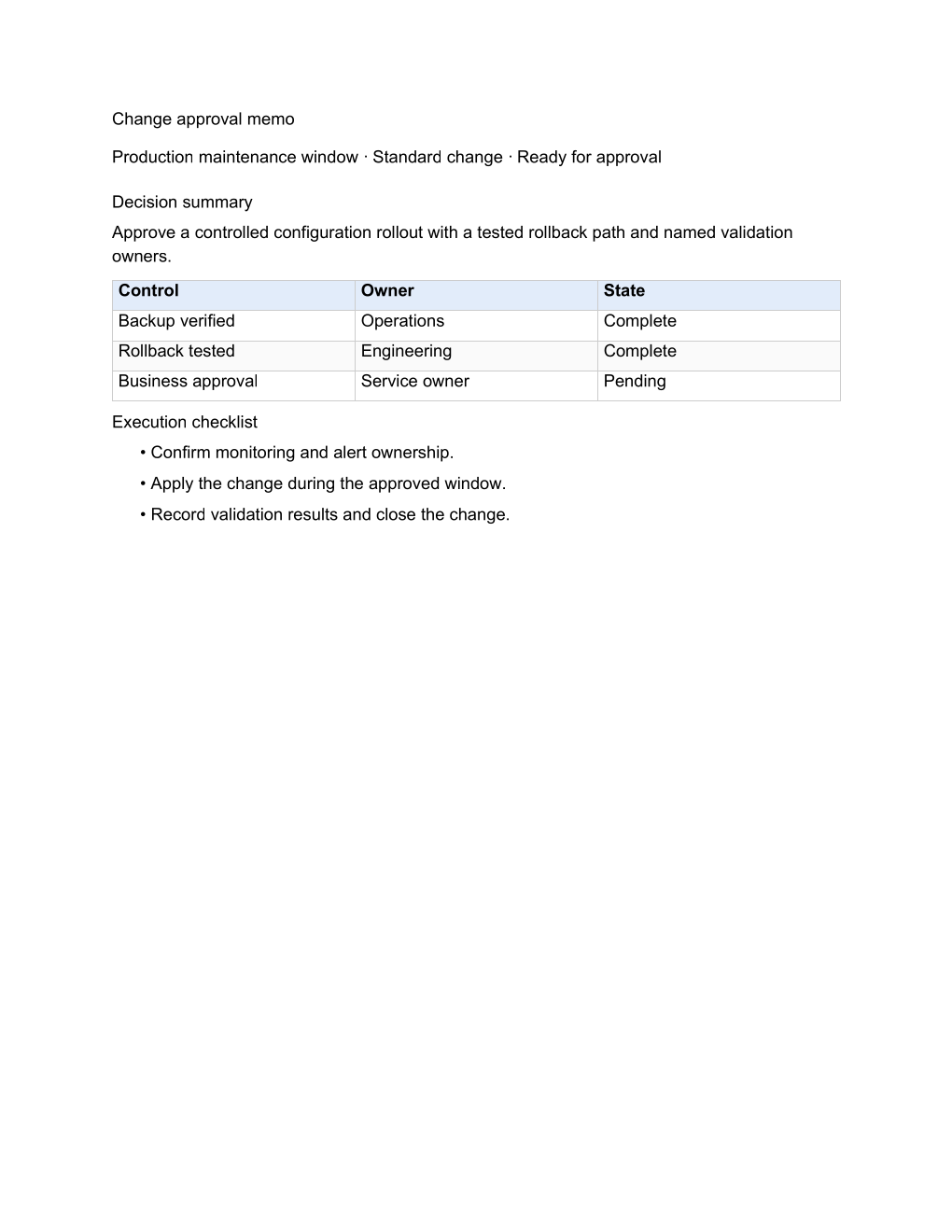
document.AddParagraph("Change approval memo").SetStyle(1);
RtfParagraph subtitle = document.AddParagraph();
subtitle.AddText("CHG-2041 · Rotate the payment gateway TLS certificates · ").SetForegroundColor(muted);
subtitle.AddText("Ready for approval").SetBold().SetForegroundColor(accent);
// A one-cell shaded table carries the decision.
RtfTableCell callout = document.AddTable(1, 1).Rows[0].Cells[0];
callout.SetBackgroundColor(calloutFill).SetPadding(120, 160, 120, 160);
callout.AddParagraph("Decision requested: approve the certificate rotation for Saturday 02:00-04:00 UTC. " +
"Backup and rollback are already verified; only the business approval is open.");
document.AddParagraph("Change details").SetStyle(2);
foreach ((string label, string value) in new[] {
("Window", "Saturday 02:00-04:00 UTC, expected downtime none"),
("Risk", "Low - certificates are replaced behind the load balancer"),
("Rollback", "Restore the previous certificate bundle, about 10 minutes") }) {
RtfParagraph line = document.AddParagraph();
line.AddText(label + ": ").SetBold();
line.AddText(value);
}
document.AddParagraph("Approval controls").SetStyle(2);
string[][] controls = {
new[] { "Control", "Owner", "State" },
new[] { "Backup verified", "Operations", "Complete" },
new[] { "Rollback tested", "Engineering", "Complete" },
new[] { "Monitoring and alert ownership", "Operations", "Complete" },
new[] { "Customer notice sent", "Support", "Complete" },
new[] { "Business approval", "Service owner", "Pending" }
};
RtfTable table = document.AddTable(controls.Length, 3);
table.Rows[0].RepeatHeader = true;
table.Rows[0].SetBackgroundColor(headerFill);
for (int row = 0; row < controls.Length; row++) {
for (int column = 0; column < 3; column++) {
table.Rows[row].Cells[column].AddParagraph(controls[row][column]);
}
if (row > 0) table.Rows[row].Cells[2].SetBackgroundColor(controls[row][2] == "Complete" ? doneFill : pendingFill);
}
document.AddParagraph("Execution checklist").SetStyle(2);
AddRtfBullet(document, "Confirm monitoring and alert ownership.");
AddRtfBullet(document, "Apply the change during the approved window.");
AddRtfBullet(document, "Record validation results and close the change.");