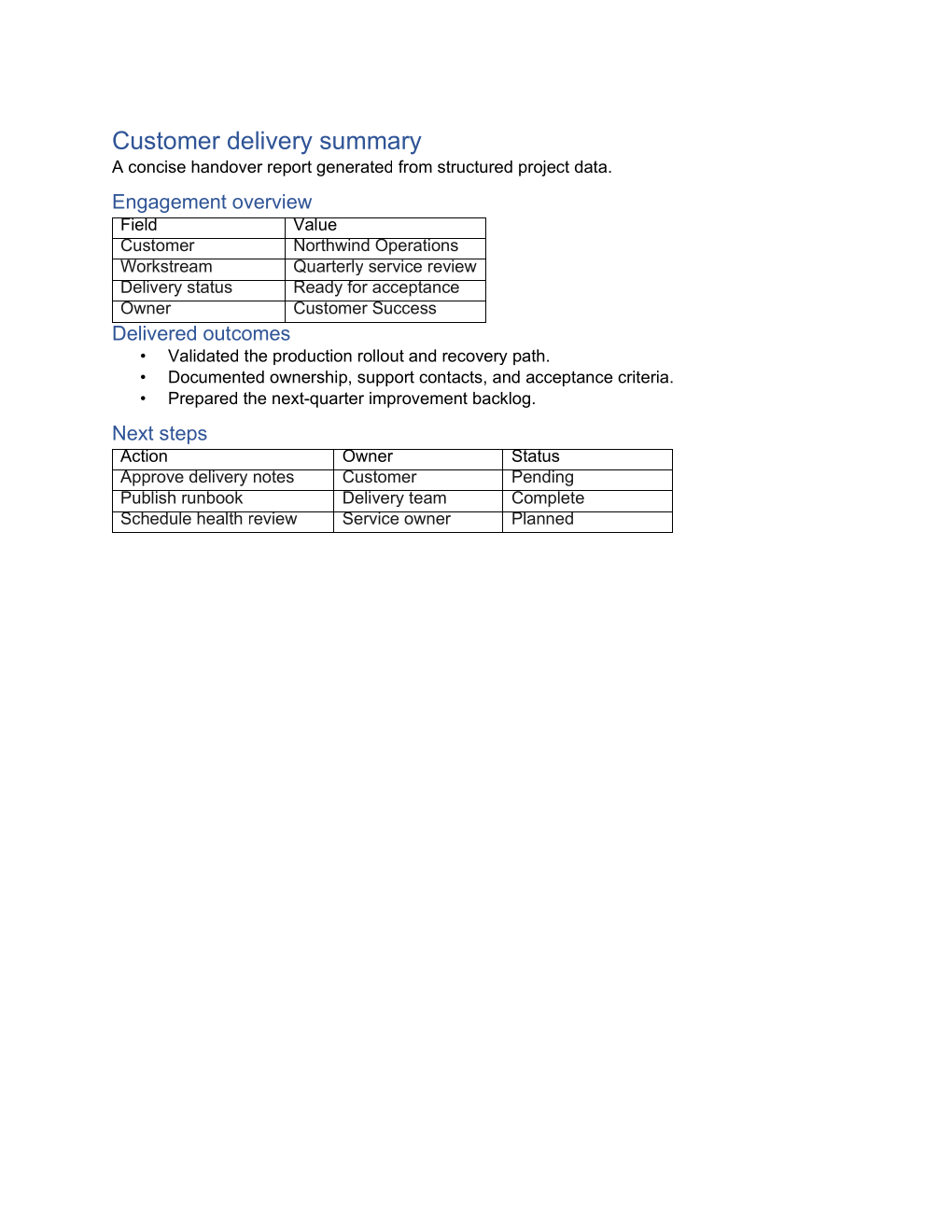
Why OfficeIMO.Word?
OfficeIMO.Word helps .NET applications create, read, edit, and convert modern .docx documents and supported Word 97–2003 .doc files without COM interop or Microsoft Word. It is a good fit for reports, contracts, invoices, archive modernization, and other structured workflows where code needs control over content, layout, compatibility, and packaging.
Modern Word files use the main OfficeIMO object model. Legacy files load through the same WordDocument.Load(...) entry point, project supported content into that model, and use preflight diagnostics before native DOC output. Unsupported content is reported, preserved, converted through an explicit fallback, or blocked—it is not silently presented as native support.
Features
- Paragraphs & text styling — fonts, sizes, colors, bold, italic, underline, strikethrough, highlight, and spacing
- Tables with merge & split — horizontal and vertical cell merging, nested tables, 105+ built-in table styles
- Images — insert from file path, stream, Base64 string, or URL with precise positioning and sizing
- Headers & footers — default, first page, and odd/even with text, images, and page numbers
- Watermarks — text and image watermarks with rotation, color, and transparency
- Table of Contents — automatic TOC generation with configurable heading levels
- Bookmarks & hyperlinks — internal cross-references and external links
- Charts — pie, bar, line, area, and combo charts with series data, legends, and axis formatting
- Content controls — checkboxes, drop-down lists, combo boxes, date pickers, and rich text controls
- Model-driven templates — bind
{{Name}}placeholders, nested repeated blocks, conditions, images, and hyperlinks while the DOCX retains layout ownership - Document protection — read-only, password protection, and editing restrictions
- Footnotes & endnotes — numbered references with custom formatting
- Sections & page numbering — multiple sections with independent orientation, margins, and numbering
- Word 97–2003 DOC and DOT — first-party import, native writing for the supported subset, bidirectional conversion, preservation-aware edits, and structured loss reports
- Compatibility policies — require native output, prefer editability or visual fidelity, allow documented best effort, or retain the complete source for recovery
Choose the Word path
| Workflow | Recommended route | What remains visible |
|---|---|---|
| Create a new report, contract, or invoice | Author DOCX with WordDocument.Create(...) | Paragraphs, tables, sections, fields, images, charts, controls, and validation |
| Fill an approved DOCX template | Bind a dictionary or POCO with WordTemplate.Apply(...) | Replacement counts, missing values, repeated blocks, conditions, images, and links |
| Modernize an archive | Load DOC and save DOCX | Import warnings, preserved source metadata, and unsupported features |
| Deliver a legacy DOC | Analyze DOCX-to-DOC, select a compatibility mode, then convert | Native, approximated, rasterized, preserved, blocked, and dropped decisions |
| Review and approval | Load DOCX or supported DOC content into the normal model | Comments, revisions, comparison, redline, and feature inspection |
| Publish to web or text | Add the focused HTML, Markdown, RTF, OpenDocument, or PDF package | Resource policy and conversion diagnostics from the selected adapter |
Quick start
using OfficeIMO.Word;

using var document = WordDocument.Create("Report.docx");

// Add a styled heading
var paragraph = document.AddParagraph("Quarterly Report");
paragraph.Style = WordParagraphStyle.Heading1;
paragraph.Color = OfficeIMO.Drawing.OfficeColor.DarkBlue;

// Add body text
document.AddParagraph("This report summarizes key metrics for Q4 2025.")
    .SetBold(false)
    .SetFontSize(12);

// Add a table
var table = document.AddTable(4, 3);
table.Rows[0].Cells[0].Paragraphs[0].Text = "Region";
table.Rows[0].Cells[1].Paragraphs[0].Text = "Revenue";
table.Rows[0].Cells[2].Paragraphs[0].Text = "Growth";
table.Rows[1].Cells[0].Paragraphs[0].Text = "North America";
table.Rows[1].Cells[1].Paragraphs[0].Text = "$4.2M";
table.Rows[1].Cells[2].Paragraphs[0].Text = "+12%";
table.Rows[2].Cells[0].Paragraphs[0].Text = "Europe";
table.Rows[2].Cells[1].Paragraphs[0].Text = "$3.1M";
table.Rows[2].Cells[2].Paragraphs[0].Text = "+8%";
table.Rows[3].Cells[0].Paragraphs[0].Text = "Asia Pacific";
table.Rows[3].Cells[1].Paragraphs[0].Text = "$2.7M";
table.Rows[3].Cells[2].Paragraphs[0].Text = "+15%";
table.Style = WordTableStyle.GridTable4Accent1;

document.Save();
Convert DOC and DOCX
using OfficeIMO.Word;

// The normal loader detects the legacy DOC container.
using WordDocument legacy = WordDocument.Load("contract.doc");
legacy.Save("contract-modernized.docx");

// Bidirectional conversion uses the same import and save preflight.
WordDocument.Convert("contract.doc", "contract.docx");
WordDocument.Convert("contract.docx", "contract.doc");
Use AnalyzeConversion(...) before writing when your application needs to reject approximation, static visual fallback, source retention, or known loss.
Compatibility
| Target Framework | Supported |
|---|---|
| .NET 10.0 | Yes |
| .NET 8.0 | Yes |
| .NET Standard 2.0 | Yes |
| .NET Framework 4.7.2 | Yes |
OfficeIMO.Word runs on Windows, Linux, and macOS. It creates and edits modern Word packages and supports first-party DOC/DOT import, native writing for the documented subset, and bidirectional conversion. The format compatibility dashboard is the concise public view; the repository contract records every tracked feature and limitation.
Related guides
| Guide | Description |
|---|---|
| Word documentation | Start with the package overview and document structure. |
| DOCX templates | Bind models to Word-authored layouts with plain markers, merge fields, or content controls. |
| Tables guide | Build styled tables, merged cells, and richer layouts. |
| Market readiness | See the current non-PDF readiness snapshot for templates, review workflows, conversion proof, and showcase work. |
| DOC and DOCX compatibility | Check formats, conversion directions, tracked behaviors, and fidelity states. |
| Word to HTML | Convert generated documents to and from HTML. |
| PSWriteOffice Word cmdlets | Automate Word output from PowerShell scripts. |
Related packages
| Package | Description |
|---|---|
| OfficeIMO.Word.Html | Convert Word documents to and from HTML |
| OfficeIMO.Word.Markdown | Convert Word documents to and from Markdown |
| OfficeIMO.Word.Pdf | Export Word documents to PDF |
| OfficeIMO.Word.GoogleDocs | Translate Word documents to and from Google Docs |