PDF · C# walkthrough
Small-format workshop badges
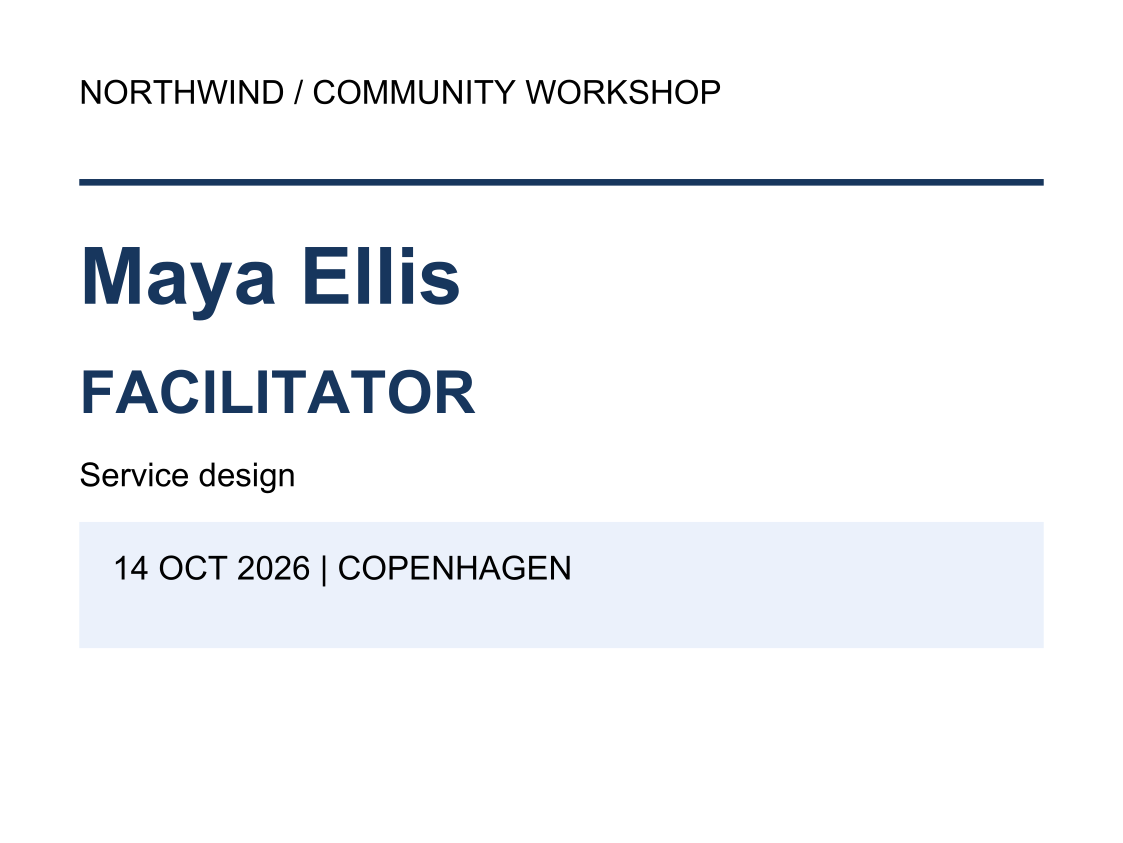
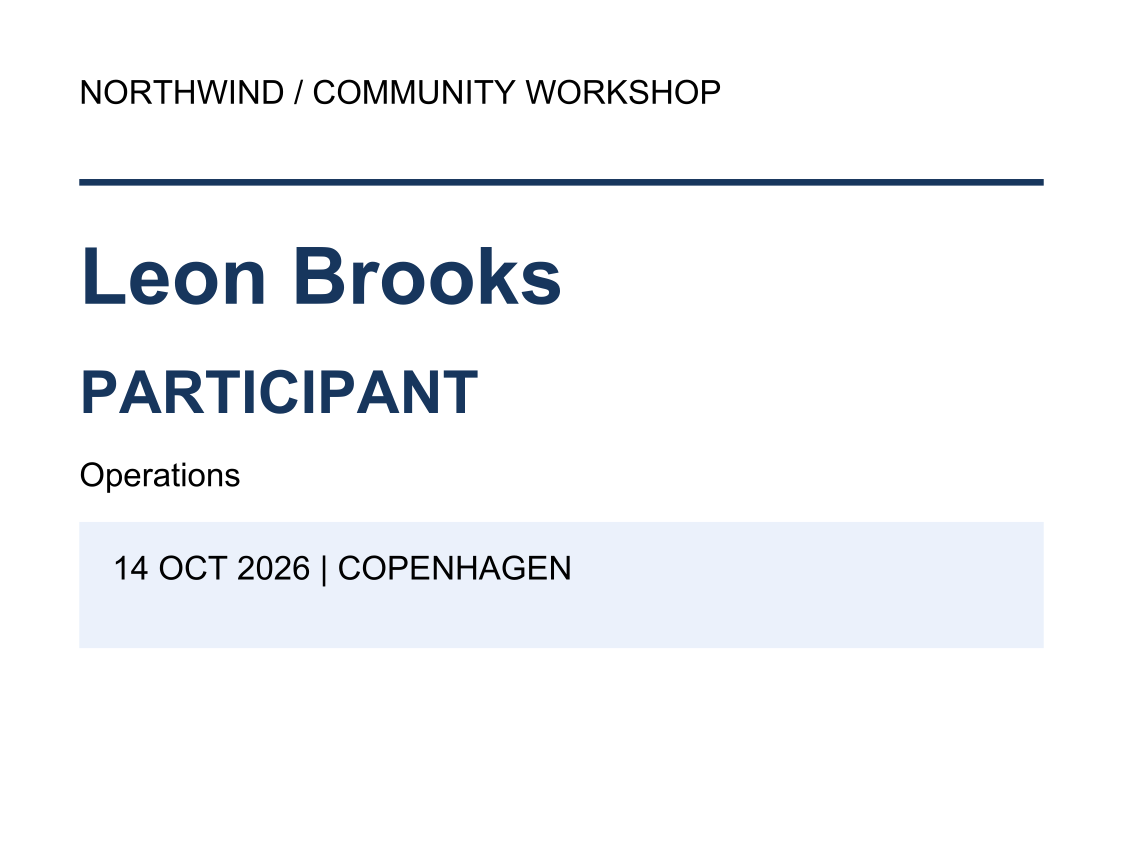
Produce individual event badges without scaling an A4 report down to badge size.
Opens the generated download in a local browser tool. The C# example below creates the document.
- Start with
- Participant names, roles and event details
- Generate
How it works
Choose the stock size
Set explicit page dimensions and margins.
Emphasise identity
Give the name and role more space than event metadata.
Separate participants
Create one page per badge for individual printing.
The rest of the document
The C# source
The example below shows the document API and layout used for this report. Follow the PDF guide for package setup in your own project.
using OfficeIMO.Pdf;

namespace OfficeIMO.Examples.Showcase.Workflows {
    /// <summary>Creates two small-format event badges as separate PDF pages suitable for individual printing.</summary>
    internal static class EventBadges {
        internal static void Create(string folder) {
            var navy = PdfColor.FromRgb(23, 54, 93);
            PdfDocument.Create(pdf => pdf.Content(content => {
                Badge("Maya Ellis", "FACILITATOR", "Service design");
                content.PageBreak();
                Badge("Leon Brooks", "PARTICIPANT", "Operations");
                void Badge(string name, string role, string team) {
                    content.Paragraph(p => p.Text("NORTHWIND / COMMUNITY WORKSHOP"))
                        .HR(2, navy, 12, 18)
                        .H1(name, PdfAlign.Left, navy)
                        .H2(role, PdfAlign.Left, navy)
                        .Paragraph(p => p.Text(team))
                        .PanelParagraph(p => p.Text("14 OCT 2026  |  COPENHAGEN"),
                            new PdfPanelStyle { Background = PdfColor.FromRgb(234, 241, 251), PaddingX = 10, PaddingY = 10 });
                }
            }), new PdfOptions { PageWidth = 340, PageHeight = 255, MarginLeft = 24, MarginRight = 24, MarginTop = 24, MarginBottom = 24, DefaultFontSize = 10 })
                .Meta(title: "Workshop event badges", author: "OfficeIMO").Save(Path.Combine(folder, "example.pdf"));
        }
    }
}
API used in this example
Use this in your project
Set the page size to the intended stock and check a physical print before producing a batch.
The PDF guide explains package setup and related document APIs.
Documents and scope
What the preview shows
The C# source generates the downloadable file. The runner checks PDF text and pages; Poppler renders the page previews.
What to keep in mind
Set the page size to the intended stock and check a physical print before producing a batch.