PDF · C# walkthrough
A two-page workshop pack
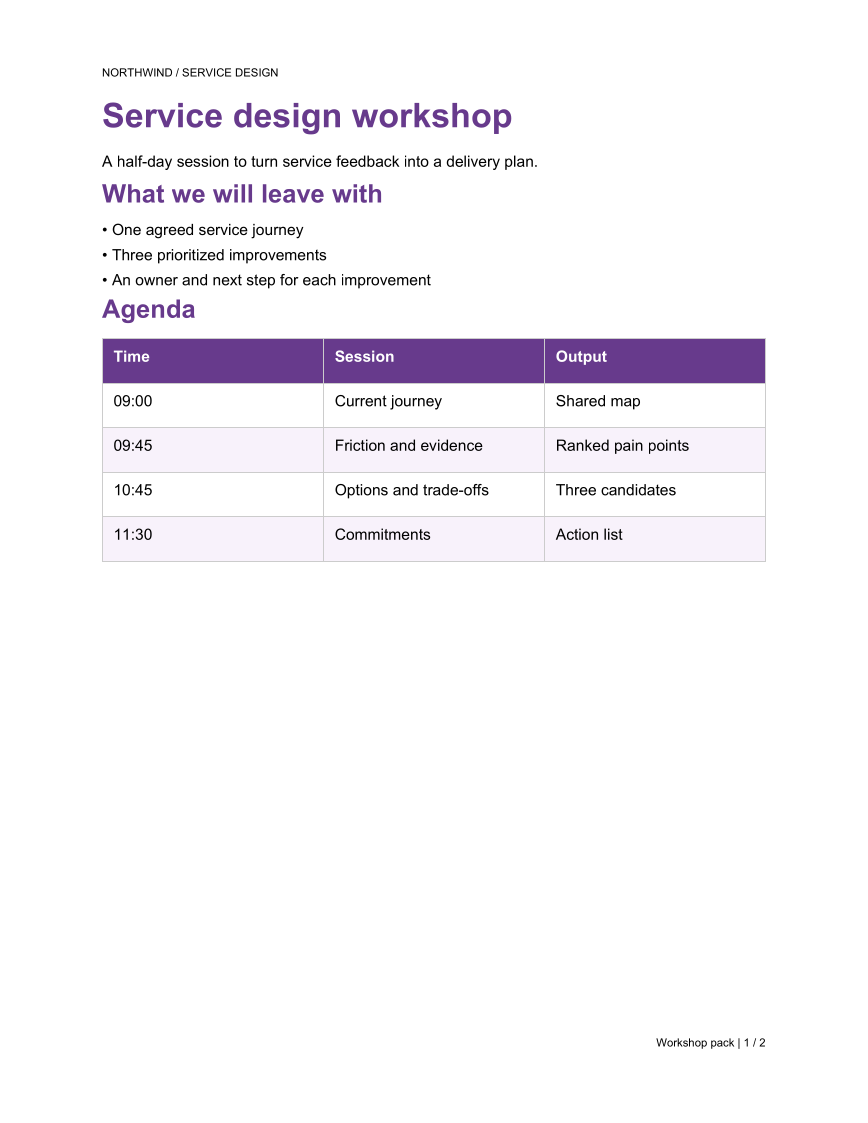
Prepare an agenda and a printable exercise sheet as one document. A shared header and page-numbered footer hold the pack together while an explicit page break separates the two uses.
Opens the generated download in a local browser tool. The C# example below creates the document.
- Start with
- Workshop objectives, agenda, and exercise prompts
- Generate
How it works
Set document-wide furniture
Configure the running header and the footer's page and total-page tokens through PdfOptions.
Build the agenda page
Combine the outcome list with a compact table of sessions and outputs.
Start the exercise sheet
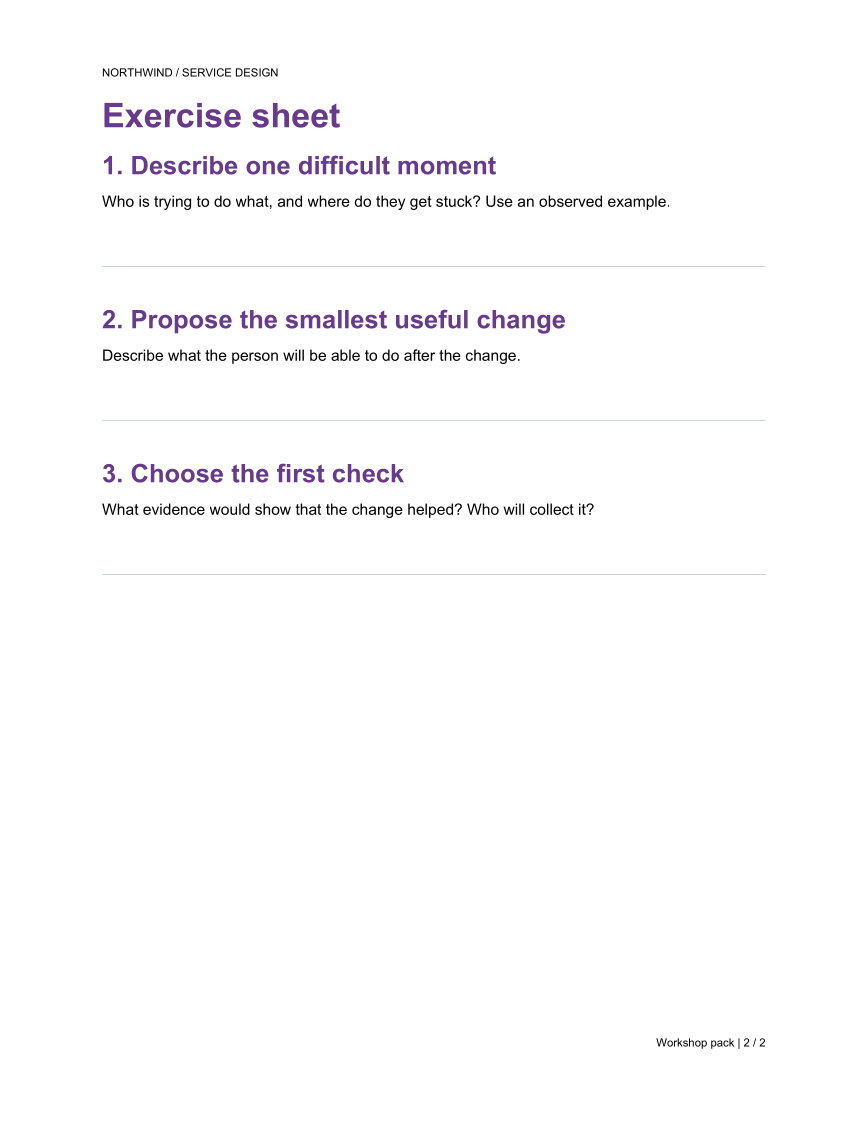
Insert a page break, then add prompts and writing lines. Inspect both previews to check the complete two-page pack.
The rest of the document
The C# source
The example below shows the document API and layout used for this report. Follow the PDF guide for package setup in your own project.
using System.IO;
using OfficeIMO.Pdf;

namespace OfficeIMO.Examples.Showcase.Workflows;

/// <summary>Creates a two-page workshop pack with a shared header and numbered footer.</summary>
internal static class WorkshopPack {
    internal static void Create(string folder) {
        OfficeColor rule = OfficeTheme.Default.TableStyle.BorderColor;
        var options = new PdfCreateOptions {
            PageSetup = {
                Header = { Show = true, Format = "Northwind · Service design", FontSize = OfficeLength.Points(8.5), Alignment = OfficeAlignment.Left, Color = OfficeTheme.Default.Palette.TextMuted },
                Footer = { Show = true, FontSize = OfficeLength.Points(8.5), Alignment = OfficeAlignment.Right }
            }
        };
        PdfDocument.Create(pdf => pdf.Content(content => content
            .Title("Service design workshop")
            .Subtitle("A half-day session to turn service feedback into a delivery plan.")
            .H2("What we will leave with")
            .AddList(new[] { "One agreed service journey", "Three prioritized improvements", "An owner and next step for each improvement" })
            .H2("Agenda")
            .AddTable(new[] {
                new[] { "Time", "Session", "Output" },
                new[] { "09:00", "Current journey", "Shared map" },
                new[] { "09:45", "Friction and evidence", "Ranked pain points" },
                new[] { "10:45", "Options and trade-offs", "Three candidates" },
                new[] { "11:30", "Commitments", "Action list" }
            })
            .PageBreak()
            .H1("Exercise sheet")
            .H3("1. Describe one difficult moment")
            .AddParagraph(p => p.AddText("Who is trying to do what, and where do they get stuck? Use an observed example."))
            .Spacer(OfficeLength.Points(130))
            .HR(OfficeLength.Points(0.5), rule, OfficeLength.Points(0), OfficeLength.Points(18))
            .H3("2. Propose the smallest useful change")
            .AddParagraph(p => p.AddText("Describe what the person will be able to do after the change."))
            .Spacer(OfficeLength.Points(130))
            .HR(OfficeLength.Points(0.5), rule, OfficeLength.Points(0), OfficeLength.Points(18))
            .H3("3. Choose the first check")
            .AddParagraph(p => p.AddText("What evidence would show that the change helped? Who will collect it?"))), options)
            .Meta(title: "Service design workshop pack", author: "OfficeIMO")
            .Save(Path.Combine(folder, "example.pdf"));
    }
}
API used in this example
Use this in your project
Replace the sessions and exercises with your workshop plan. Keep the exercise page sparse enough for handwritten notes, and recheck page flow when adding prompts.
The PDF guide explains package setup and related document APIs.
Documents and scope
What the preview shows
The linked C# example generates this file. The page images are rendered from the downloadable PDF with Poppler.
What to keep in mind
The writing lines are static page content. This example does not create fillable PDF form fields.