PowerPoint · C# walkthrough
A service handover briefing deck
Brief the team taking responsibility for a service. The deck moves from the purpose of the handover to role boundaries and the first week's concrete checks.
Opens the generated download in a local browser tool. The C# example below creates the document.
- Start with
- Service ownership and handover tasks
- Generate
- PPTX + PDF
How it works
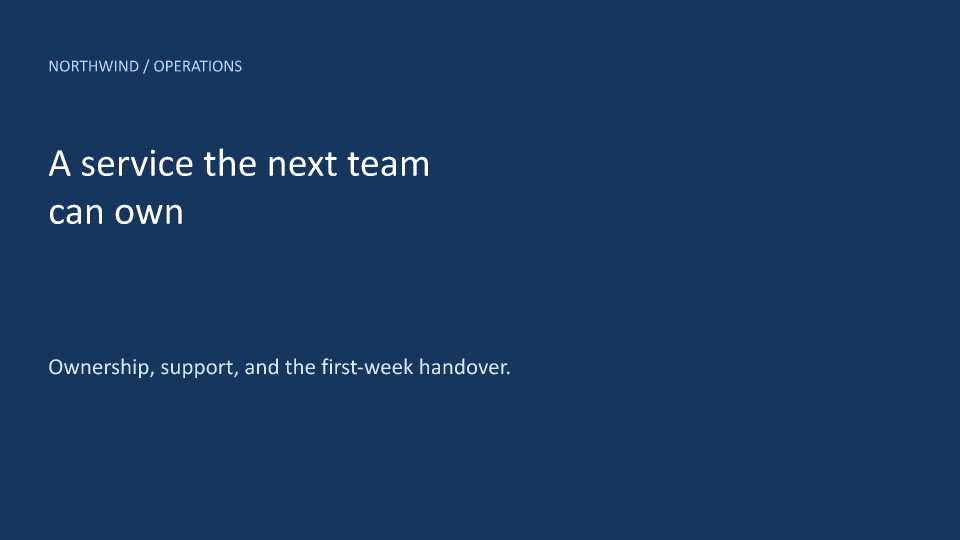
Create a clear cover
Use a full-slide rectangle and contrasting text to give the opening slide a distinct appearance.
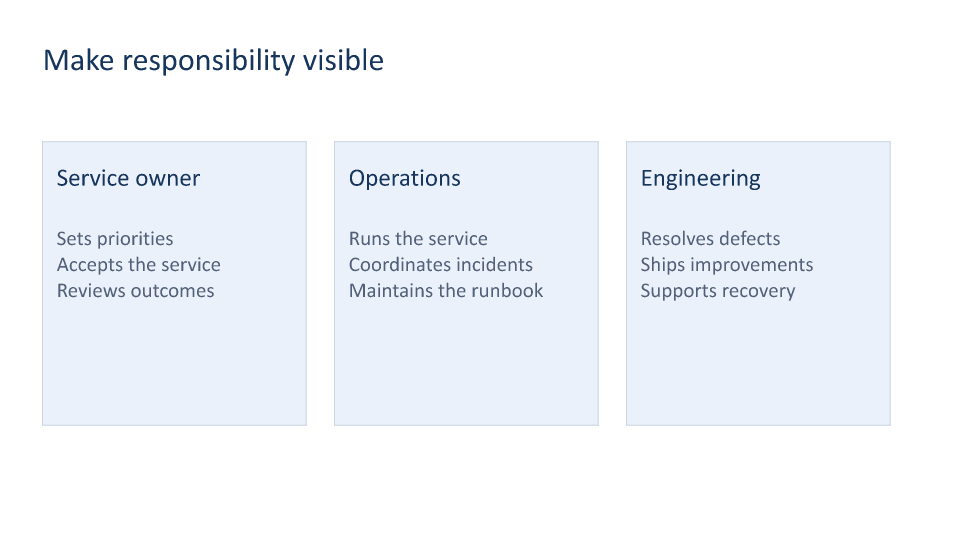
Explain the roles
Build three responsibility cards from arrays, using the same spacing and typography for each role.
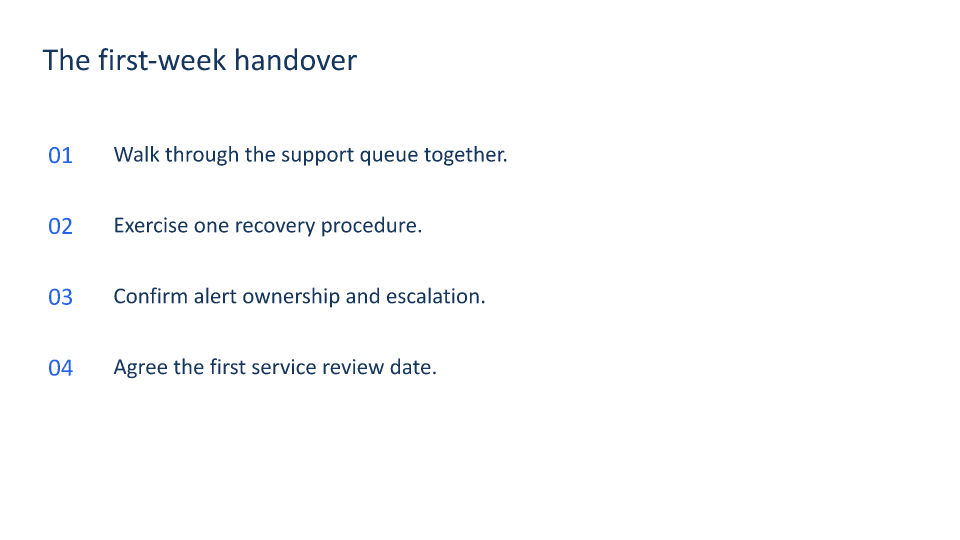
Turn the handover into actions
End with a numbered checklist that the receiving and delivery teams can walk through together.
The rest of the document
The C# source
The example below shows the document API and layout used for this report. Follow the PowerPoint guide for package setup in your own project.
using System.IO;
using OfficeIMO.PowerPoint;

namespace OfficeIMO.Examples.Showcase.Workflows;

/// <summary>Creates a service briefing deck with a cover, responsibilities, and a handover checklist.</summary>
internal static class ServiceOverview {
    internal static void Create(string folder) {
        using PowerPointDocument deck = PowerPointDocument.Create(Path.Combine(folder, "example.pptx"));
        PowerPointSlide cover = deck.AddSlide();
        cover.AddRectangle(OfficeIMO.OfficeLength.Centimeters(0), OfficeIMO.OfficeLength.Centimeters(0), OfficeIMO.OfficeLength.Centimeters(33.866), OfficeIMO.OfficeLength.Centimeters(19.05), "Cover background").Fill("17365D").Stroke("17365D", global::OfficeIMO.OfficeLength.Points(0));
        Text(cover, "NORTHWIND / OPERATIONS", 1.7, 2, 29, 1, 17, "B8D4FF");
        Text(cover, "A service the next team\ncan own", 1.7, 5, 29, 5.5, 40, "FFFFFF");
        Text(cover, "Ownership, support, and the first-week handover.", 1.7, 12.5, 29, 2, 23, "D8E5F7");

        PowerPointSlide owners = deck.AddSlide();
        Text(owners, "Make responsibility visible", 1.5, 1.5, 30, 2, 32, "17365D");
        string[] titles = { "Service owner", "Operations", "Engineering" };
        string[] bodies = { "Sets priorities\nAccepts the service\nReviews outcomes", "Runs the service\nCoordinates incidents\nMaintains the runbook", "Resolves defects\nShips improvements\nSupports recovery" };
        for (int index = 0; index < titles.Length; index++) {
            double x = 1.5 + index * 10.3;
            owners.AddRectangle(OfficeIMO.OfficeLength.Centimeters(x), OfficeIMO.OfficeLength.Centimeters(5), OfficeIMO.OfficeLength.Centimeters(9.3), OfficeIMO.OfficeLength.Centimeters(10), titles[index]).Fill("EAF1FB").Stroke("CBD5E1", global::OfficeIMO.OfficeLength.Points(1));
            Text(owners, titles[index], x + 0.5, 5.8, 8.3, 1.5, 25, "17365D");
            Text(owners, bodies[index], x + 0.5, 8, 8.3, 5.5, 21, "526179");
        }

        PowerPointSlide handover = deck.AddSlide();
        Text(handover, "The first-week handover", 1.5, 1.5, 30, 2, 32, "17365D");
        string[] checks = { "Walk through the support queue together.", "Exercise one recovery procedure.", "Confirm alert ownership and escalation.", "Agree the first service review date." };
        for (int index = 0; index < checks.Length; index++) {
            Text(handover, $"0{index + 1}", 1.7, 5 + index * 2.5, 2, 1.7, 25, "2563EB");
            Text(handover, checks[index], 4, 5 + index * 2.5, 27, 1.7, 23, "17365D");
        }
        deck.Save();

        void Text(PowerPointSlide slide, string value, double x, double y, double width, double height, int size, string color) {
            var box = slide.AddTextBox(value,global::OfficeIMO.OfficeLength.Centimeters(x),global::OfficeIMO.OfficeLength.Centimeters(y),global::OfficeIMO.OfficeLength.Centimeters(width),global::OfficeIMO.OfficeLength.Centimeters(height));
            box.FontSize = global::OfficeIMO.OfficeLength.Points(size);
            box.Color = OfficeIMO.OfficeColor.Parse(color);
        }
    }
}
API used in this example
Use this in your project
Replace the role descriptions and checklist with your service's operating model. Add specific contacts and links in your own deck when the audience needs them.
The PowerPoint guide explains package setup and related document APIs.
Documents and scope
What the preview shows
The linked C# example generates this file. The runner reopens and validates the PPTX, then exports each slide and a PDF review copy.
What to keep in mind
The checklist is presentation content. It does not provision a service or transfer operational permissions.