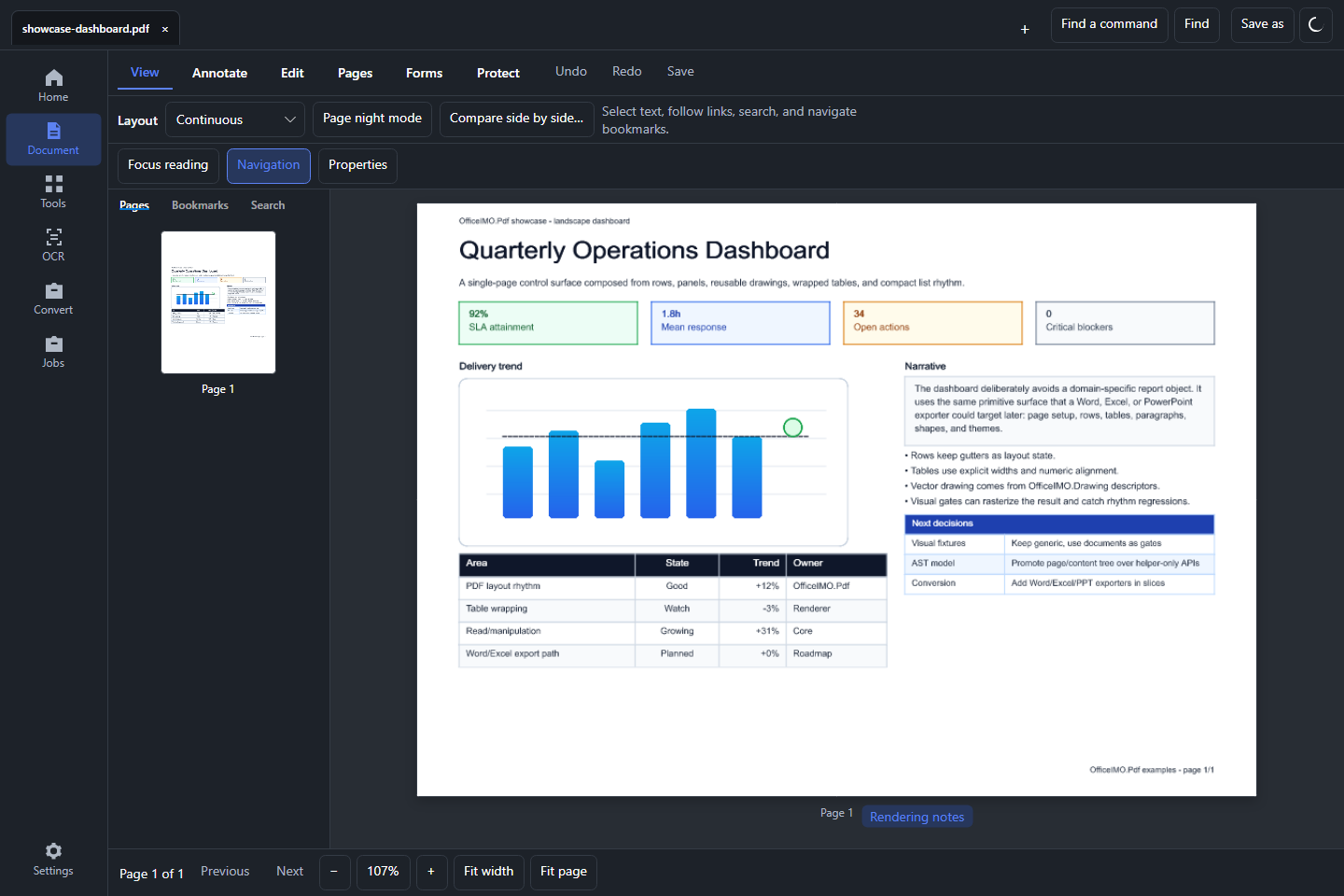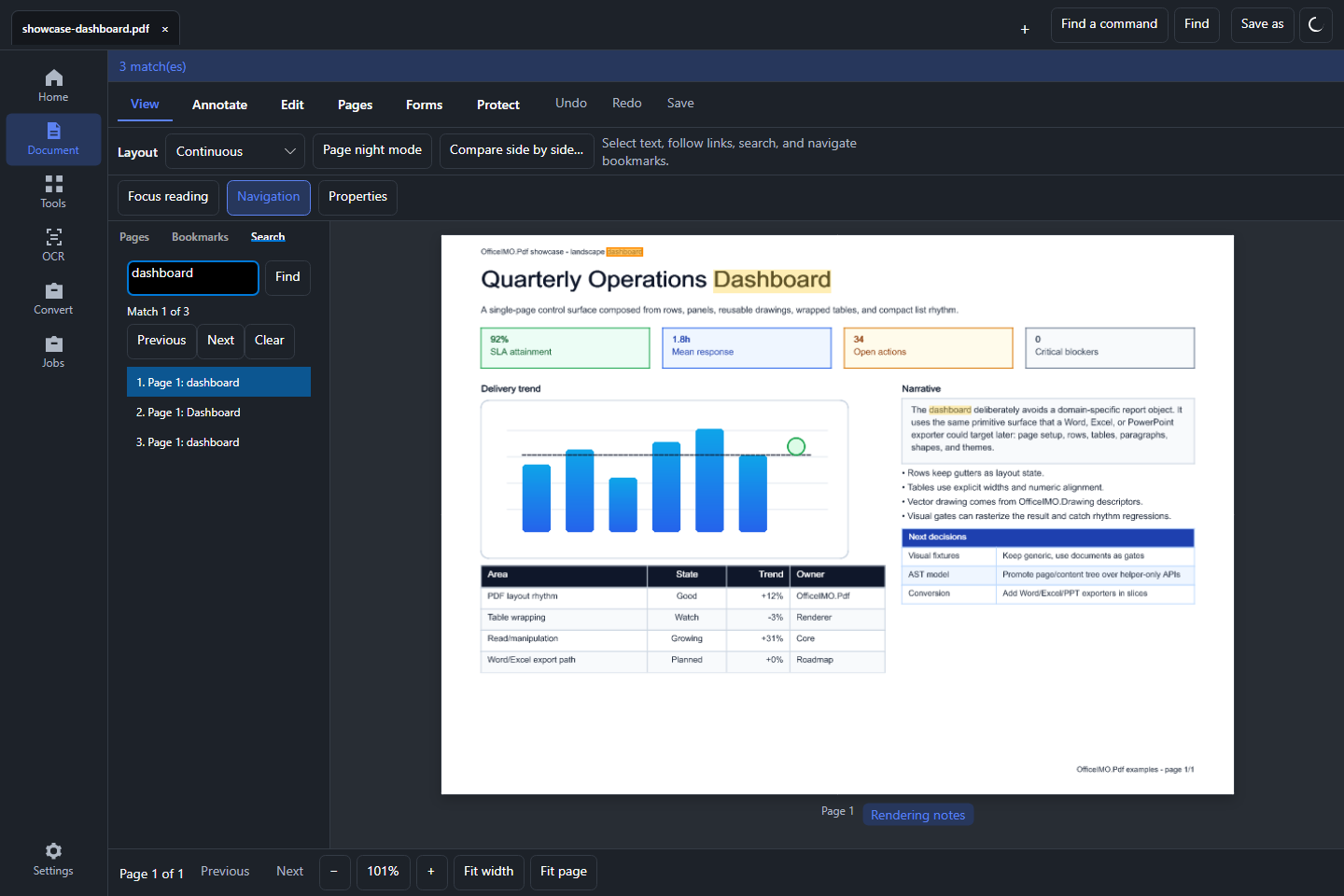

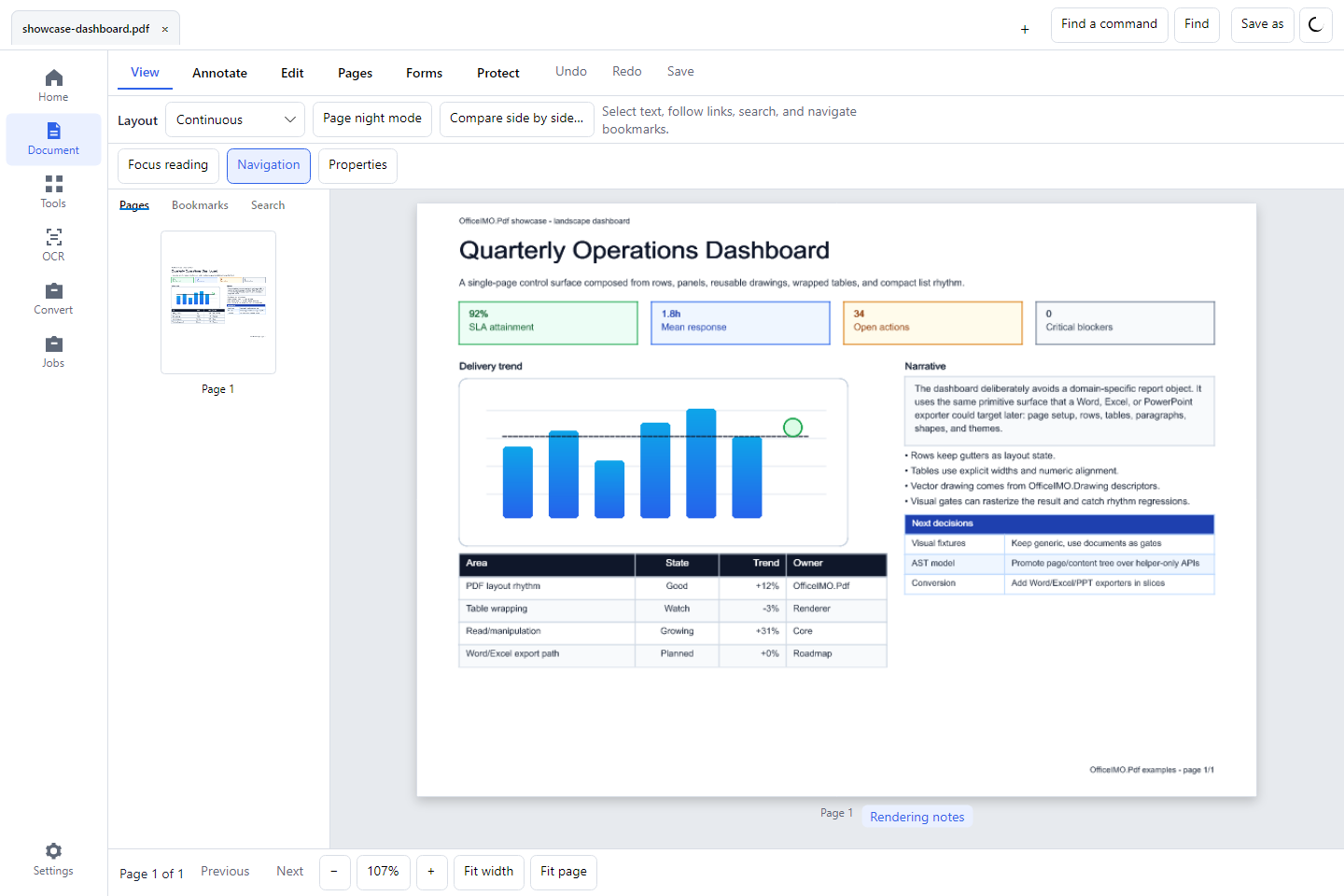
Keep the document in view
Open PDFs in tabs, switch between reading layouts, and find individual text matches on the page. Use light or dark application appearance without changing the document's own colors.
Studio brings the OfficeIMO document engines into a desktop workspace on Windows and Linux. Native apps for Mac, iPad and iPhone use the same engines; see what Studio does on each system. It works with supported PDF content directly; reconstructing an original Word document from a PDF is a separate conversion task.
Read the Studio privacy policy for details about local document processing, saved application data, and optional document assistant connections.
Review before you save
- Edit supported content: select existing PDF text and images for object-level edits. This is not word-processor paragraph reflow; scanned text requires OCR and remains a separate workflow.
- Comments and forms: follow anchored comment threads, reply and resolve, fill supported fields, and inspect appearance previews before applying changes.
- Pages: select ranges, review a new page order, and import, extract, or split pages into separate documents.
- Searchable scans: review recognized words before creating a searchable PDF. OCR uses an optional Tesseract installation and language data.
- Protected documents: view files according to their permissions, prepare protected copies, and inspect signed output. A drawn signature and a certificate signature are different operations.
- Recoverable work: restore supported editing sessions, inspect job outcomes, and control whether recent-file history and recovery snapshots are stored.
Complete a document task
| Task | Studio workflow | Boundary |
|---|---|---|
| Assemble a delivery PDF | Combine PDFs, supported Office files, and images | Inspect conversion diagnostics for each input |
| Remove sensitive content | Mark redactions and review permanent removal | Save a separate output and inspect the verification evidence |
| Compare revisions | Compare PDFs and open the resulting report | A visual comparison does not establish semantic equivalence |
| Reduce document overhead | Run supported lossless optimization | Scan image downsampling is a separate capability |
| Preview sheets and page placement, then print to an installed printer | Printer-specific paper and duplex options are planned |
Open any screenshot at full size to inspect the workspace. For immediate use without building the desktop app, try the browser PDF tools. Their focused operations and limits are described on each task page.
Get Studio
Windows and Linux x64 installation and launch were verified for the initial direct release. Arm64 packages are available, with installation and runtime testing on matching hardware still pending. Release notes and checksums are linked beside the current downloads.